DKIM Key Too Short: Rotating From 1024 to 2048 Bits
A scanner or a customer's security review flagged your DKIM key as too short. It's a cryptography finding with a usually clean fix, and the rotation can happen without a single message bouncing.
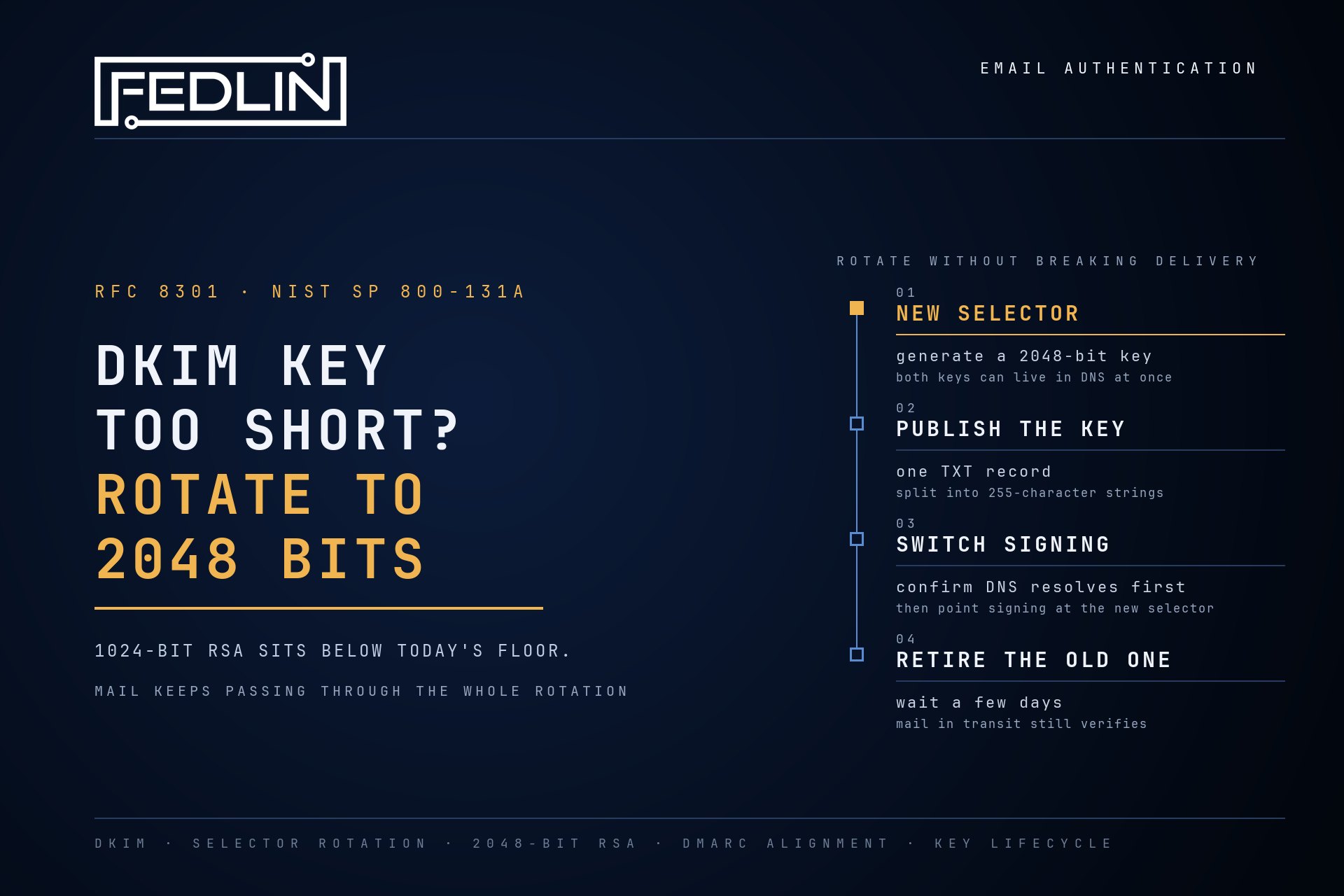
Here is what "DKIM key too short" means, who can fix it, and how to close it.
DKIM signs every email your domain sends. The receiving server checks that signature against a public key you publish in DNS. When that key is 1024-bit RSA, the signature still verifies. It is weaker than current standards allow for new signatures, so scanners flag it.
Why 1024 Bits Gets Flagged
Two documents set the bar. RFC 8301, which updated DKIM's cryptography in 2018, says signers must use RSA keys of at least 1024 bits and should use at least 2048. NIST SP 800-131A Revision 2 disallows generating digital signatures below 112 bits of security strength, and NIST SP 800-57 Part 1 rates a 1024-bit RSA key at about 80 bits. A 2048-bit key reaches 112.
The fix is the key length. Everything else about your email setup can stay as it is.
First, Find Out Who Holds the Key
Look up the DKIM record the scanner flagged. What you find tells you who can change it.
- A TXT record with the key in it: you publish it, so you can rotate it. The steps below apply.
- A CNAME pointing at your email provider: the provider holds the key, and often rotates it for you. You change the length in the provider's settings (Microsoft 365 below), or ask the provider to.
- A record your web host or control panel created: the host set the length. Check its DKIM settings, or open a support request to regenerate the key at 2048 bits.
Automatic rotation won't clear this finding. Many email platforms hold your DKIM key and rotate it on their own schedule. Rotation replaces the key and keeps the length it was set up with, so a domain on automatic rotation can still be signing with 1024-bit keys years later. The fix is a one-time change to the key size. After that, rotation carries the 2048-bit length forward.
When the provider can't give you 2048 bits, the finding stays open for a reason you can document. Record it in your risk register with the provider as the owner and a date to revisit, or move that sender to a provider that supports 2048-bit keys. An assessor can work with a documented exception that has an owner and a date.
Rotate Without Breaking Delivery
If you publish the key yourself and rotate it by hand, the safe pattern publishes the new key alongside the old one, then switches. Mail keeps passing the whole time.
- Generate a 2048-bit key in your mail server or email provider's admin console, under a new selector. The selector is the label receivers use to find the key, so a new one lets both keys live in DNS at once.
- Publish the new public key as a TXT record at
selector._domainkey.yourdomain. A 2048-bit key runs past DNS's 255-character string limit, so it goes in as several quoted strings inside one record. Many DNS providers split it for you. - Wait for DNS to update, and confirm the new record resolves before you switch.
- Switch signing to the new selector in your email provider.
- Leave the old selector published for a few days so messages already in transit still verify, then remove it.
Using Microsoft 365?
Microsoft 365 holds your keys, starts at 1024 bits by default, and rotates when an admin triggers it. Your DNS holds two CNAME records, selector1._domainkey and selector2._domainkey, that point at keys Microsoft keeps. You don't publish a TXT record. A rotation keeps the current size unless you set a new one, so rotate with the size set in Exchange Online PowerShell:
Rotate-DkimSigningConfig -Identity yourdomain.com -KeySize 2048Each rotation takes 96 hours and upgrades only the selector that isn't signing yet, so run it again once the first rotation completes to upgrade the second one. Get-DkimSigningConfig shows the key size for each selector.
Using Google Workspace?
Google Workspace doesn't rotate keys for you. In the Admin console, go to Apps, Google Workspace, Gmail, Authenticate email. Generate a new record with a 2048-bit key and a new selector prefix, publish the TXT record it gives you, and start authentication only once that record resolves, since starting switches signing to the new key right away.
Confirm It Worked
Send a message to an outside mailbox and read the headers. The DKIM result should pass, signed with the new selector. Your DMARC aggregate reports will show the same across all your mail in the next daily reports. The free domain check confirms the common DKIM selectors are published. For provider-specific selectors, and for key length, check the record your provider shows.
What I Find Alongside It
Across the domains I run email authentication for, I've found a short DKIM key is rarely the only email-authentication gap. Three show up most.
Senders you forgot you had. Marketing, CRM, billing, and transactional tools all send as your domain, and DMARC aggregate reports are where they surface. Each one needs its own DKIM key under its own selector, or it quietly falls back to SPF alone. On one domain, a secure-email provider had no DKIM key at all while alignment was set to strict, so its mail was passing on SPF by itself: a single point of failure before enforcement. The fix was a 2048-bit key under that provider's own selector.
Selectors nobody owns. Selectors from a previous provider stay published long after the switch. A checker that probes a list of common selector names will miss the provider-specific ones, so audit the selectors you actually configured and remove the ones you no longer use.
DMARC left at p=none. Monitoring mode reports spoofed mail and asks receivers to take no action on it. Move in stages, from monitor to quarantine to reject, and advance only when the reports show your real senders passing. Check the record carries a reporting address (rua) too: a domain at quarantine with no reports tells you nothing.
Why This Is Cryptography Work
A DKIM key is a signing key, the same kind of key that sits behind your TLS certificates and your code signing. Rotating it on a schedule is the habit that makes every later change routine, including the move to post-quantum signatures once mail standards get there.
The finding that flagged it belongs in the same place as the rest of your cryptography: a cryptographic inventory that shows what you run, where it lives, and what has to change.
DKIM Key Length: Common Questions
Will a 2048-bit DKIM key break my DNS record?
No. A single DNS TXT string holds at most 255 characters, and a 2048-bit public key is longer, so it is published as several quoted strings inside one record. Receivers join them back together. Many DNS providers split the key for you; some ask you to do it yourself.
Does a 1024-bit DKIM key fail DMARC?
No. Receivers still verify 1024-bit signatures, since RFC 8301 requires verifiers to accept RSA keys from 1024 to 4096 bits, so your mail passes today. The finding is about key strength: 1024-bit RSA sits below the floor current standards set for new signatures.
How do I upgrade DKIM from 1024 to 2048 bits in Microsoft 365?
Run Rotate-DkimSigningConfig -Identity yourdomain.com -KeySize 2048 in Exchange Online PowerShell. Microsoft 365 keeps two selectors and upgrades only the one not currently signing, so run the command again once the rotation completes, 96 hours later, to upgrade the second. Your DNS CNAME records stay the same. Get-DkimSigningConfig shows the key size for each selector.
What if my provider only supports 1024-bit DKIM?
Then the finding can't be closed on your side, and it should be documented. Record it in your risk register with the provider as the owner, the reason, and a date to revisit, or move that sender to a provider that supports 2048-bit keys. A documented exception with an owner and a date is something an assessor can accept.
My provider rotates DKIM automatically. Why is my key still too short?
Rotation replaces the key but keeps the length it was configured with, whether the provider rotates on a schedule or an admin triggers it. A domain set up with 1024-bit keys keeps getting fresh 1024-bit keys. Change the key size once in the provider's settings, or ask the provider to, and automatic rotation carries 2048 bits forward from then on.
How often should DKIM keys rotate?
If your provider rotates for you, the schedule is theirs, and your part is confirming the length it rotates to. If you publish and rotate the key yourself, M3AAWG's DKIM key rotation best practice recommends at least every six months.
See where your domain stands first.
The free domain check reads your SPF record, your DMARC policy, and the common DKIM selectors from public DNS in seconds. If it turns up more than a short key, FEDLIN runs email authentication for the domains you send from, through to DMARC enforcement.
Subscribe to Security Insights
Get enterprise security tips, compliance guides, and best practices delivered to your inbox.